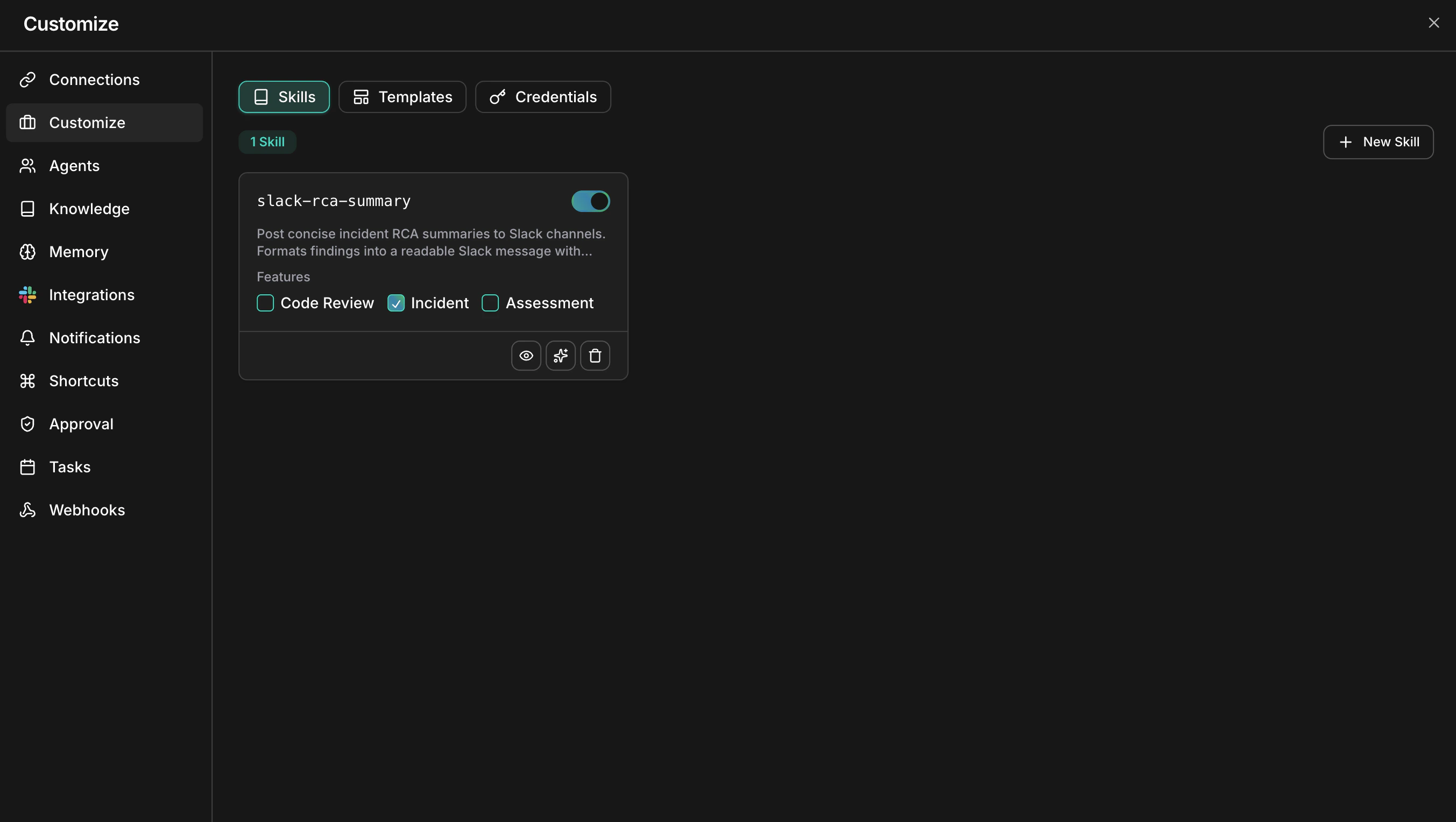
The Skills page lists every skill with its enable toggle and feature assignments
## What you can do | Capability | Description | Learn more | | ------------------------------ | ---------------------------------------------------------------------------------------------------- | -------------------------------------------- | | Create custom skills | Build workspace-private skills manually or generate them with AI from a plain-language description | [Custom skills](/guide/skills/custom-skills) | | Assign to features | Scope each skill to Code Review, Incident, or Assessment so it loads only where it belongs | [Custom skills](/guide/skills/custom-skills) | | Edit with AI | Refine an existing skill through conversation — add examples, remove ambiguity, restructure sections | [Custom skills](/guide/skills/custom-skills) | | Write effective SKILL.md files | Learn the frontmatter fields, instruction styles, and patterns agents follow most reliably | [Skill format](/guide/skills/skill-format) | ## Skills vs the knowledge base Skills tell agents how to act; the [knowledge base](/guide/knowledge) gives agents information to look up. They complement each other — a skill can direct an agent to consult specific documents. | | Skills | Knowledge base | | ----------------- | ---------------------------------------------------------- | ------------------------------------------------------------------------ | | Content | Rules and procedures agents follow | Documents and websites agents reference | | Examples | Review checklists, naming conventions, escalation policies | Runbooks, architecture docs, compliance documents | | How agents use it | Loaded automatically for assigned features | Searched with `#kb` or referenced automatically in always-available mode | | Format | A `SKILL.md` file (Markdown with YAML frontmatter) | Uploaded files or crawled websites | | Best for | Changing agent behavior | Adding facts and context | Rule of thumb: if the agent must follow it on every run, write a skill. If the agent should look it up when relevant, add it to the knowledge base. ## Get started