> ## Documentation Index
> Fetch the complete documentation index at: https://docs.cloudthinker.io/llms.txt
> Use this file to discover all available pages before exploring further.
# CloudThinker
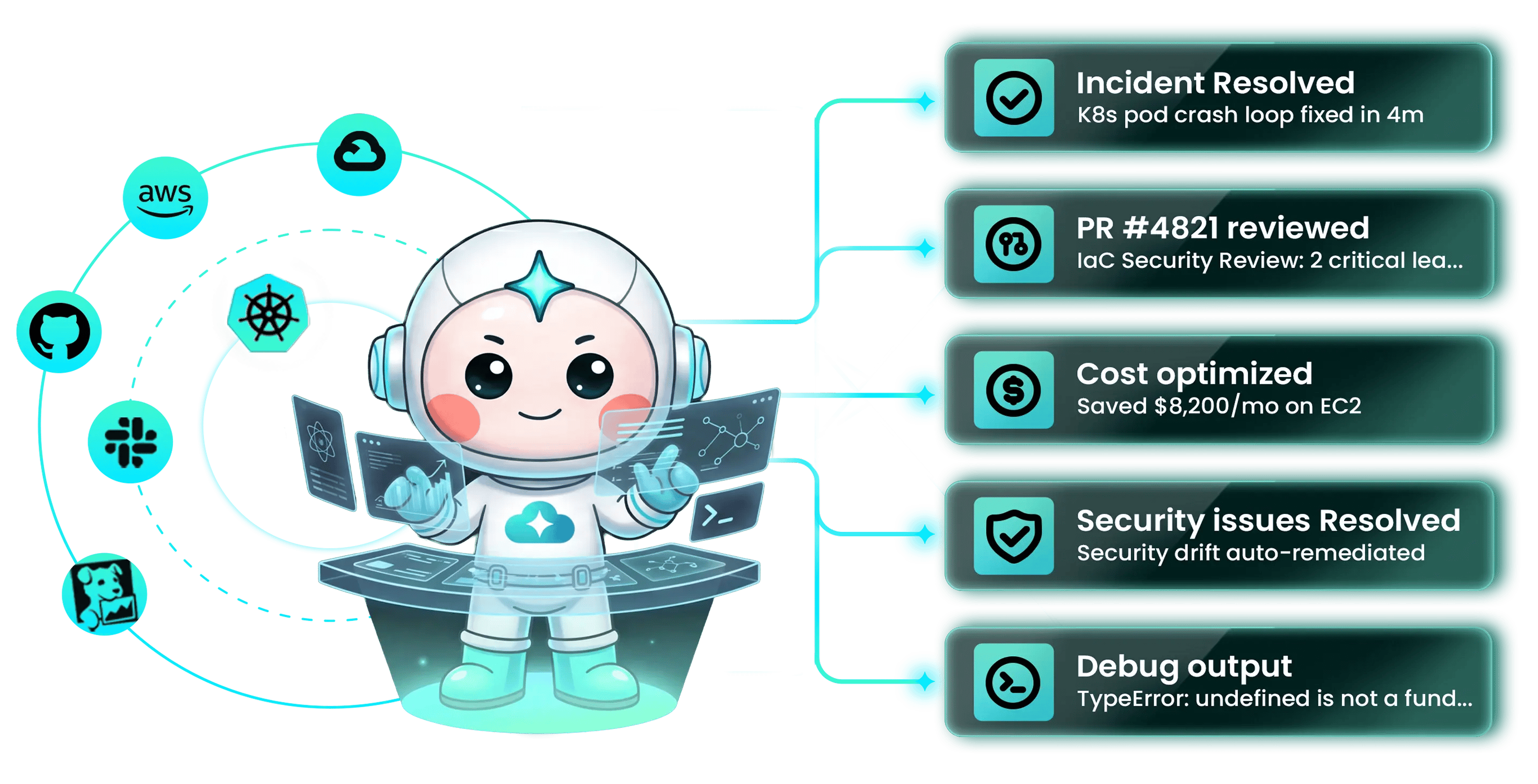
> Autonomous Cloud Operations — AI agents that manage infrastructure, review code, resolve incidents, and optimize costs across multi-clouds and Kubernetes.
 ## Start here
Six concrete first tasks. Each takes 5–10 minutes and ends in a real result you can verify.
Add your first AWS account with an IAM role and see your resources discovered automatically
Find idle resources, oversized instances, and unused commitments — with projected monthly savings
Connect a Git repository and get AI review comments on the next pull request
Wire Pulse to your monitoring and let agents form hypotheses, gather evidence, and propose remediation
Add members, assign roles, and grant per-workspace access
Decide which agent actions run on their own, which need a click, and who gets to click
***
## Choose your goal
Pick the outcome you want next. Each goal maps to one module with a guided path.
**CostOps** — continuous spend audit across AWS, Azure, and GCP with rightsizing recommendations and approval-gated remediation
**Code Review Agent** — every PR reviewed with context from running infrastructure, past incidents, and your team's conventions
**Deep Response Engine** — Pulse strips noise from monitoring; agents investigate the rest and run approved runbooks
**Assessment** — Well-Architected analysis across resources and pillars, on demand
**Autonomous agents + skills** — encode your runbooks, conventions, and policies so the loop runs without restating them
***
## Core concepts
What to learn once and use everywhere.
Anna orchestrates; Alex, Oliver, Tony, and Kai specialize in cloud, security, databases, and Kubernetes
`@agent #tool` syntax — who you're asking, what shape of output, what to do
Cloud providers, observability, databases, ticketing, chat — 50+ built-in and MCP connections
Four autonomy levels — notify → suggest → approve → autonomous — gated by RBAC
325+ pre-built operations spanning cost, security, performance, and Kubernetes
Investigations, decisions, and runbooks feed back into every future loop
***
## How CloudThinker works
Every module runs the same four-phase loop — **Detect → Analyze → Resolve → Validate** — under your approval policy. Agents detect signals from your environment, analyze them into a plan, execute the resolution under your autonomy ceiling, then validate the outcome and write it back into [memory](/guide/knowledge) for the next iteration.
The human stays **on the loop, not in every step**. You set the goal and the autonomy ceiling; the agent runs; you intervene when judgment matters. The four [autonomy levels](/guide/auto-mode) — **notify → suggest → approve → autonomous** — are gated by RBAC, so the policy you write is the policy that runs.
This is the **AgenticOps** category — where DevOps automated pipelines and AIOps applied ML to observability, AgenticOps introduces autonomous agents that *operate* infrastructure directly. The [field guide](/learn/aio/overview) covers the full reference architecture, the L0–L4 autonomy spectrum, and the governance discipline behind it.
***
## The six modules
AI review on every PR with context from running infrastructure, [past incidents](/guide/incident/incident-memory), and [team conventions](/guide/code-review/convention-rules). Inline comments, reproduction steps, suggested patches.
[Pulse](/guide/pulse/overview) suppresses \~98% of monitoring noise. When something escalates, agents form hypotheses, gather evidence, and run approved [runbooks](/guide/incident/runbooks). MTTR under five minutes for common failure modes.
Continuous spend audit across [AWS](/guide/connections/aws), [Azure](/guide/connections/azure), and [GCP](/guide/connections/gcp). Idle resources, oversized instances, unused commitments — surfaced with projected savings and [approval-gated](/guide/approval) remediation.
Research Preview
Continuous configuration assessment and [vulnerability scans](/guide/security/overview) across cloud, container, and IaC layers. Findings ranked by exploitability; fixes opened as pull requests.
Agents operate inside Slack, [Microsoft Teams](/guide/teams-integration), and the CLI. Query infrastructure, approve actions, and review changes without leaving your workflow.
Persistent multi-layer memory captures [investigations](/guide/incident/incident-memory), decisions, [runbooks](/guide/incident/runbooks), and resolved tickets. Knowledge compounds across the team instead of leaving with the engineer who wrote it.
***
## Why this matters
A typical engineering team runs against 8–12 specialized platforms — Cost Explorer, Security Hub, Datadog, kubectl, Terraform, GitHub, PagerDuty — none of which share state. Every new cloud service expands the surface to monitor without expanding the team that monitors it.
| Failure mode | What it looks like in practice |
| ----------------------- | ---------------------------------------------------------------------------------------------- |
| **Tool sprawl** | Eight dashboards open during an incident, four showing partial views of the same system |
| **Alert fatigue** | Most pages are noise; engineers triage by gut feel because no one can audit every notification |
| **Reactive cost** | Bills land monthly; by the time waste is visible, it has already been paid for |
| **Visibility ≠ action** | Dashboards surface problems but require a human to interpret, prioritize, and execute the fix |
Adding another dashboard doesn't fix any of them. The [Agentic Infrastructure Operations field guide](/learn/aio/overview) lays out why — and the architecture, governance, and adoption discipline that does.
## Start here
Six concrete first tasks. Each takes 5–10 minutes and ends in a real result you can verify.
Add your first AWS account with an IAM role and see your resources discovered automatically
Find idle resources, oversized instances, and unused commitments — with projected monthly savings
Connect a Git repository and get AI review comments on the next pull request
Wire Pulse to your monitoring and let agents form hypotheses, gather evidence, and propose remediation
Add members, assign roles, and grant per-workspace access
Decide which agent actions run on their own, which need a click, and who gets to click
***
## Choose your goal
Pick the outcome you want next. Each goal maps to one module with a guided path.
**CostOps** — continuous spend audit across AWS, Azure, and GCP with rightsizing recommendations and approval-gated remediation
**Code Review Agent** — every PR reviewed with context from running infrastructure, past incidents, and your team's conventions
**Deep Response Engine** — Pulse strips noise from monitoring; agents investigate the rest and run approved runbooks
**Assessment** — Well-Architected analysis across resources and pillars, on demand
**Autonomous agents + skills** — encode your runbooks, conventions, and policies so the loop runs without restating them
***
## Core concepts
What to learn once and use everywhere.
Anna orchestrates; Alex, Oliver, Tony, and Kai specialize in cloud, security, databases, and Kubernetes
`@agent #tool` syntax — who you're asking, what shape of output, what to do
Cloud providers, observability, databases, ticketing, chat — 50+ built-in and MCP connections
Four autonomy levels — notify → suggest → approve → autonomous — gated by RBAC
325+ pre-built operations spanning cost, security, performance, and Kubernetes
Investigations, decisions, and runbooks feed back into every future loop
***
## How CloudThinker works
Every module runs the same four-phase loop — **Detect → Analyze → Resolve → Validate** — under your approval policy. Agents detect signals from your environment, analyze them into a plan, execute the resolution under your autonomy ceiling, then validate the outcome and write it back into [memory](/guide/knowledge) for the next iteration.
The human stays **on the loop, not in every step**. You set the goal and the autonomy ceiling; the agent runs; you intervene when judgment matters. The four [autonomy levels](/guide/auto-mode) — **notify → suggest → approve → autonomous** — are gated by RBAC, so the policy you write is the policy that runs.
This is the **AgenticOps** category — where DevOps automated pipelines and AIOps applied ML to observability, AgenticOps introduces autonomous agents that *operate* infrastructure directly. The [field guide](/learn/aio/overview) covers the full reference architecture, the L0–L4 autonomy spectrum, and the governance discipline behind it.
***
## The six modules
AI review on every PR with context from running infrastructure, [past incidents](/guide/incident/incident-memory), and [team conventions](/guide/code-review/convention-rules). Inline comments, reproduction steps, suggested patches.
[Pulse](/guide/pulse/overview) suppresses \~98% of monitoring noise. When something escalates, agents form hypotheses, gather evidence, and run approved [runbooks](/guide/incident/runbooks). MTTR under five minutes for common failure modes.
Continuous spend audit across [AWS](/guide/connections/aws), [Azure](/guide/connections/azure), and [GCP](/guide/connections/gcp). Idle resources, oversized instances, unused commitments — surfaced with projected savings and [approval-gated](/guide/approval) remediation.
Research Preview
Continuous configuration assessment and [vulnerability scans](/guide/security/overview) across cloud, container, and IaC layers. Findings ranked by exploitability; fixes opened as pull requests.
Agents operate inside Slack, [Microsoft Teams](/guide/teams-integration), and the CLI. Query infrastructure, approve actions, and review changes without leaving your workflow.
Persistent multi-layer memory captures [investigations](/guide/incident/incident-memory), decisions, [runbooks](/guide/incident/runbooks), and resolved tickets. Knowledge compounds across the team instead of leaving with the engineer who wrote it.
***
## Why this matters
A typical engineering team runs against 8–12 specialized platforms — Cost Explorer, Security Hub, Datadog, kubectl, Terraform, GitHub, PagerDuty — none of which share state. Every new cloud service expands the surface to monitor without expanding the team that monitors it.
| Failure mode | What it looks like in practice |
| ----------------------- | ---------------------------------------------------------------------------------------------- |
| **Tool sprawl** | Eight dashboards open during an incident, four showing partial views of the same system |
| **Alert fatigue** | Most pages are noise; engineers triage by gut feel because no one can audit every notification |
| **Reactive cost** | Bills land monthly; by the time waste is visible, it has already been paid for |
| **Visibility ≠ action** | Dashboards surface problems but require a human to interpret, prioritize, and execute the fix |
Adding another dashboard doesn't fix any of them. The [Agentic Infrastructure Operations field guide](/learn/aio/overview) lays out why — and the architecture, governance, and adoption discipline that does.