Preview — The CloudThinker CLI is in early access. Command names, flags, and config formats may change before general availability. Contact us to join the preview.
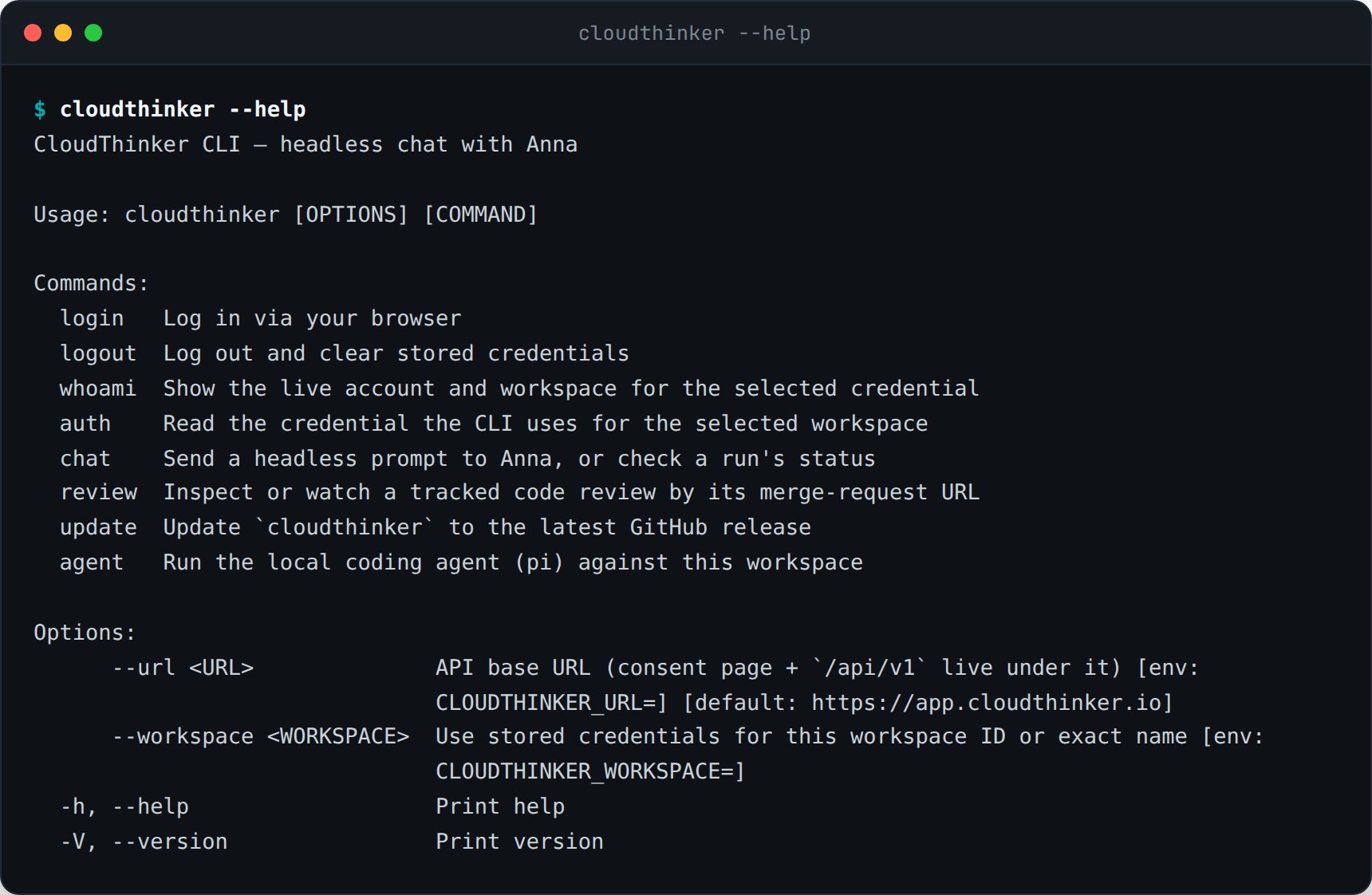
cloudthinker CLI brings agent conversations, resource queries, and operations management to the terminal — useful for shell scripting, CI pipelines, and engineers who prefer keyboards over consoles.
What You Can Do
Chat With Agents
Open an interactive session with Alex, Oliver, Tony, Kai, or Anna from the terminal
One-Shot Prompts
Run a single
@agent #tool ... prompt and pipe the result into other toolsScript Operations
Wrap recurring cloud-ops tasks in shell scripts and run them in CI
Manage Resources
Inspect connections, resources, recommendations, and incidents
Installation
| Platform | Method |
|---|---|
| macOS | brew install cloudthinker/tap/cloudthinker |
| Linux | curl -fsSL https://install.cloudthinker.io | sh |
| Windows | winget install CloudThinker.CLI |
| Docker | docker run cloudthinker/cli |
Authentication
Command Surface
| Command | Purpose |
|---|---|
cloudthinker chat | Open an interactive agent conversation |
cloudthinker ask "@alex #cost ..." | One-shot prompt, prints the response |
cloudthinker resources list | Query the unified resource inventory |
cloudthinker recommendations list | List active cost, security, and reliability recommendations |
cloudthinker incidents create | Open an incident from the terminal |
cloudthinker skills run <name> | Execute a workspace skill |
cloudthinker connections list | View configured connections |
Output Formats
| Flag | Format |
|---|---|
--format text | Default — human-readable for terminals |
--format json | Machine-readable for piping into jq, scripts, or CI |
--format yaml | Configuration-friendly output |
Related
API
Same operations over HTTPS endpoints
MCP Server
Use CloudThinker from MCP-compatible AI clients
Tasks & Scheduling
Schedule recurring operations
Slack Integration
Run the same operations from Slack