

How it works
Cyber tests two surfaces. A pentest attacks the running app; a Code Audit reads the source behind it. A pentest run goes like this:
A Code Audit skips steps 1 to 3: you pick a connected repository and branch, and the audit scans the code, investigates what it finds, and verifies each candidate against the commit it pinned. It then follows that branch, re-auditing it on a schedule or on every push, and watches the branch’s dependencies for new library advisories.
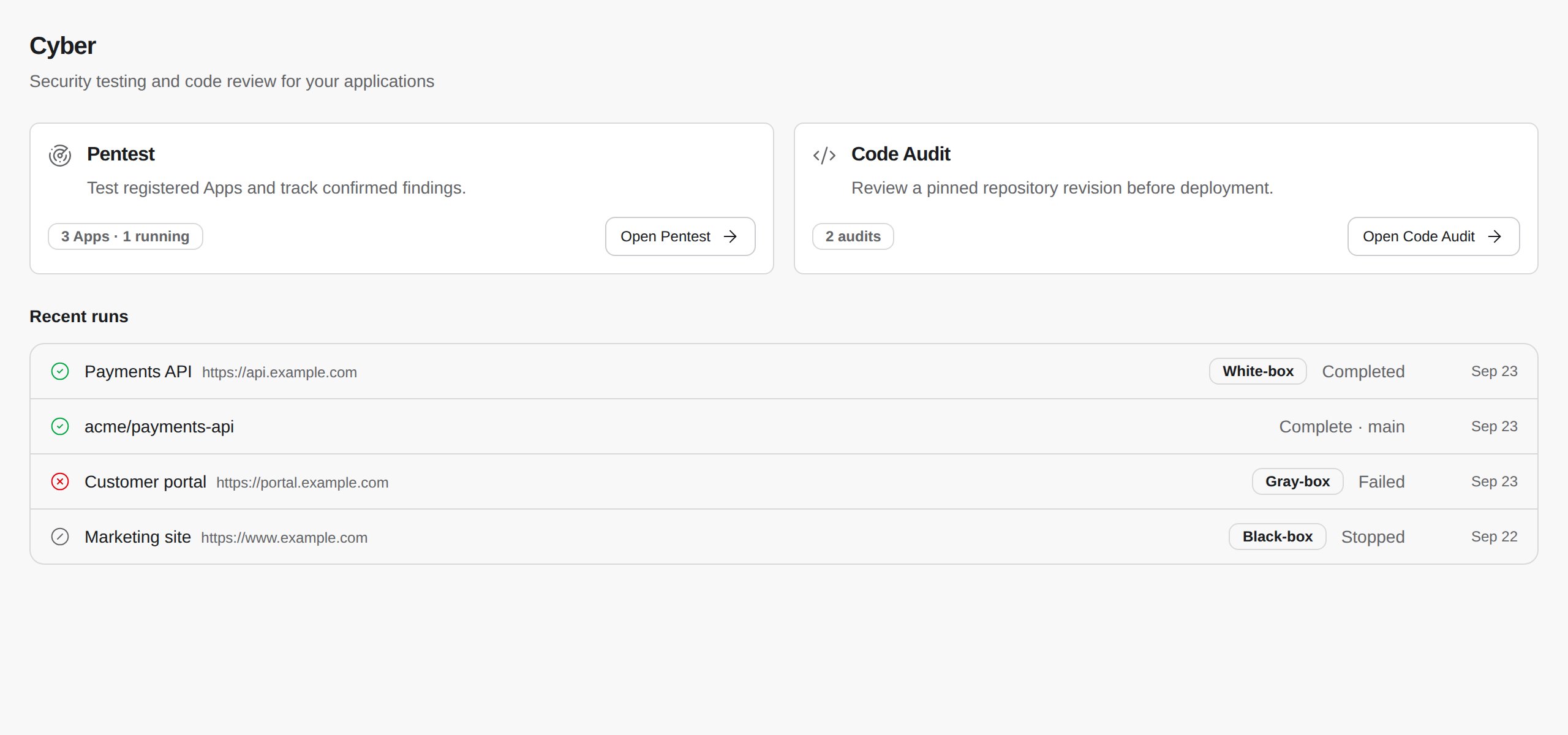
Click Cyber in the sidebar to open the overview: your apps, their latest results, and recent activity. The sidebar lists your pentest Apps and, under them, the Repositories Code Audit follows.
Safety model
Cyber sends real attack traffic, so every run is fenced in by settings you control: the target, the paths it may touch, the test users it signs in as, and how hard it pushes.Before your first run
Settle these with your platform team before you launch, so the run isn’t blocked or paged on.What you can do
Key concepts
Get started
Cyber quickstart
Run your first pentest against a staging app
Run a pentest
Set up test users, scope, intensity, and schedules
Triage findings
Read the proof, fix, and retest
Run a Code Audit
Audit a repository branch and follow it across commits