

How an alert reaches Resolve
- Your source delivers the alert: a webhook call, a polled AWS service, or a message in a chat channel Resolve watches.
- Pulse drops duplicates and noise. What survives is a signal.
- Pulse groups related signals into a cluster: one problem, however many alerts it produced.
- A cluster that holds an actionable signal is filed as an incident — matched to an open one, or opened as a new one. While On duty, CloudThinker investigates it on its own.
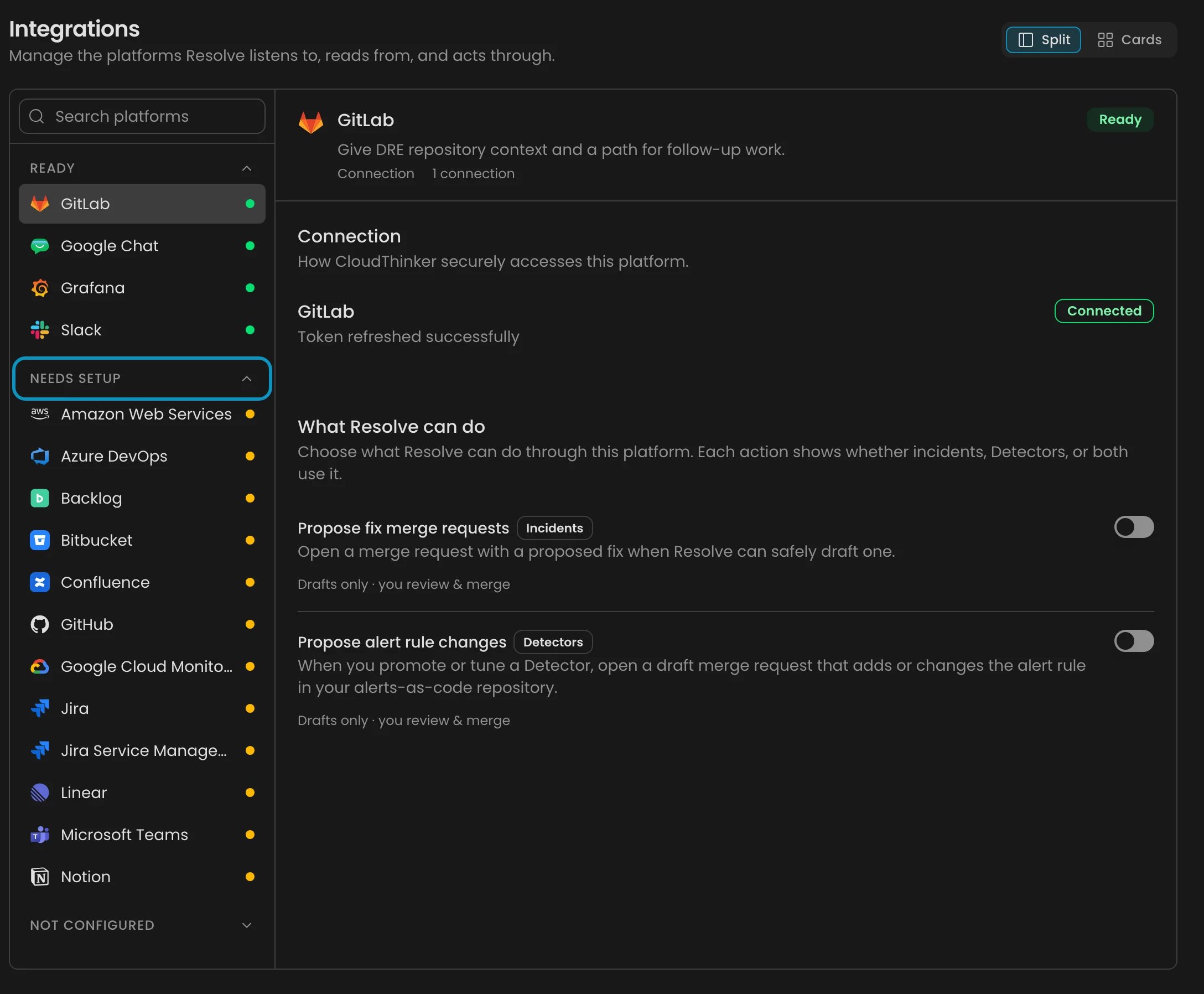
Resolve Integrations: platforms grouped by readiness, Needs attention first
Choose your path
Tools with a preset
A preset is the field mapping and severity mapping Resolve fills in when you pick a tool, so you don’t have to work out which part of the payload holds the title or the severity. These tools have one:
A preset also picks the authentication the tool supports: PagerDuty signs its webhooks, and CloudWatch sends a named key header.
A filled-in mapping isn’t a verified one. Check it against a real payload before you trust it, because a preset can point at a field your tool doesn’t send: the Datadog preset’s service path is one example. See Map the fields.
Anything not in this table goes through a custom source, where you map the fields by clicking them in a payload your system really sent.
Next steps
Set up a webhook signal
Map a listed tool’s alerts into Pulse and choose when CloudThinker investigates.
Connect Pulse sources
Add a webhook, an AWS polling source, or a chat channel, then confirm it delivers.
Add a custom signal source
Connect a system with no preset by clicking the fields in its own payload.
Check what's connected
Read each platform’s connection, signals, and readiness badge.